Welcome to our comprehensive GenerateBlocks review, where we look at the ultimate Gutenberg page builder. Build a blazingly fast, highly customized, and pixel-perfect layout with one of the lightest block plugins available for WordPress.
What is GenerateBlocks?
GenerateBlocks is a performance-first WordPress plugin built by Tom Usborne, the creator of GeneratePress. Unlike bloated page builders that add unnecessary code, it takes a minimalist approach by offering just six fundamental blocks for absolute layout control. Its core mission is simple: eliminate website bloat while giving you maximum design flexibility inside the native Gutenberg editor.
The Secret Sauce: GenerateBlocks+GeneratePress
While GeneratePress works flawlessly with popular page builders like Elementor or Beaver Builder, its true power is unlocked when paired with GenerateBlocks. Built by the same developer, GenerateBlocks is a lightweight plugin that completely replaces heavy page builders. It allows you to build complex, pixel-perfect layouts directly inside the native WordPress Gutenberg editor, keeping your website incredibly clean and fast without a single line of code.
Key Features of GenerateBlocks Review 2026
What makes GenerateBlocks the ultimate Gutenberg page builder is its ability to do more with less. Instead of cluttering your site with dozens of single-purpose widgets, it gives you six hyper-versatile blocks that handle everything.
1. The 6 Power Blocks
- Container: The foundation of your design. It lets you group elements, apply background images/videos, and manage spacing.
- Grid: A fully responsive layout engine. You can create advanced multi-column structures using Flexbox and CSS Grid controls.
- Headline: Replaces standard text blocks. It gives you advanced typography, colors, gradients, and custom icons.
- Buttons: Allows you to design highly custom call-to-action buttons, individual or grouped, with hover animations.
- Image: A lightweight block built for fast rendering, featuring custom clip-paths, borders, and responsive controls.
- Query Loop: A game-changer block. It fetches and displays your blog posts or custom post types in any dynamic design layout you want.
2. Performance-First & Clean Code
- Inline SVGs: Icons and shapes are loaded inline, eliminating extra HTTP requests that slow down your website.
- No Bloat: It does not use heavy JavaScript or bulky CSS frameworks.
- Smart CSS: It only generates the exact CSS required for the blocks you actually use on that specific page.
3. Advanced Layout & Flexbox Controls
- Flexbox Power: Easily change row directions, wrap elements, and adjust justifications without touching code.
- Pixel-Perfect Alignment: You get full control over margins, padding, borders, and alignment for desktop, tablet, and mobile independently.
4. Global Styles & Component Library
- Pre-made Patterns: Access a library of professionally designed templates to speed up your workflow.
- Design Once, Use Everywhere: Create a global style for a card or button. If you update it later, it changes sitewide instantly.
5. Seamless Dynamic Data Integration
- ACF & Pods Friendly: It pulls dynamic content effortlessly from custom fields, making it perfect for building custom author boxes, portfolios, or review sites.
GenerateBlocks Pros and Cons
✅The Pros (The Good):
- Universal Theme Compatibility: While it works best with GeneratePress, it runs flawlessly on any standard WordPress theme.
- Blazing Fast: Adds zero bloat, helping your site load instantly and pass Core Web Vitals.
- Design Freedom: Built-in Flexbox and CSS Grid controls offer absolute layout flexibility without code.
- Clean Code: Generates minimal HTML and CSS, which search engines prefer for better SEO ranking.
❌The Cons (The Bad):
- Steep Learning Curve: It requires a basic understanding of web design concepts like margins, paddings, and Flexbox layouts.
- Limited Blocks in Free Version: Advanced layout tools like the Query Loop builder require the Pro version for full functionality.
Real-World Use Cases: What Can You Build with GenerateBlocks?
Many beginners make the mistake of thinking that because GenerateBlocks only has six core blocks, it is limited. That could not be further from the truth. Because these blocks give you raw control over Flexbox and CSS Grid, you can build almost anything you see on premium corporate websites.
Here are the most common real-world projects you can build with GenerateBlocks while keeping your site blazing fast:
1. High-Converting Custom Affiliate Product Cards
If you run a review or niche blog, you don’t need heavy third-party comparison plugins.
- Use the Container block to design a beautiful product box.
- Use the Grid block to place the product image on the left and the review text on the right.
- Add a stunning, responsive CTA button using the Buttons block.
- The Result: Professional product boxes that load instantly and drive clicks.
2. Custom Dynamic Magazine Homepages
Want a homepage that looks like The New York Times or TechCrunch?
- Use the Query Loop block to pull your latest blog posts automatically.
- Arrange them in complex 3-column or 4-column structures using the Grid system.
- You can filter your layout to show “Featured Posts” at the top and “Recent News” below it.
- The Result: A premium magazine layout built entirely with native WordPress blocks.
3. Sleek, Modern Portfolio & Agency Sites
Showcasing your work requires clean grids and sharp typography.
- Use the Headline block to create bold, gradient-text hero titles that capture attention.
- Use the Image block to apply custom border radii or image masks to your portfolio shots.
- Combine them with smooth hover states on your containers to give an interactive, premium feel.
4. Lightweight Landing Pages for Paid Ads
If you run Facebook or Google Ads, your landing page speed dictates your conversion rate. A 1-second delay can cost you money.
- Use GenerateBlocks to build clean hero sections, feature grids, and pricing tables.
- Because it generates almost zero bloated code, your landing pages will load under 500 milliseconds.
Under the Hood: Why Developers Absolutely Love GenerateBlocks
While beginners love GenerateBlocks for its visual simplicity, professional WordPress developers and agency owners choose it for what happens behind the scenes. It is engineered like a premium framework rather than a visual crutch.
- Framework-grade Architecture: Built as a stable, code-first foundation for long-term scalability.
- Database Efficiency: Saves lightweight JSON comments in Gutenberg rather than nested HTML strings.
- Zero Third-party Dependencies: Generates strict vanilla CSS without loading bloated frameworks like Bootstrap.
- Fluid Responsive Control: Uses mobile-first style inheritance to compress custom stylesheet payloads.
- Developer-friendly Extensibility: Outputs clean element attributes that integrate seamlessly with custom hooks and REST APIs.
GenerateBlocks Pricing Plans 2026
GenerateBlocks follows an annual subscription model. You can either buy the standalone plugin or get it as a bundle with GeneratePress. Here is the official pricing structure for 2026:
1. GenerateBlocks Free (1. GenerateBlocks Free ($0/Year)
/Year)
The core version is completely free and available in the WordPress plugin directory. It includes all 6 fundamental blocks and standard design controls. It is perfect for beginners who want to build standard layouts.
2. GenerateBlocks Pro (/Year)
This is the standalone premium version for users who only want advanced block functionalities on up to 500 sites.
- Price: $99/year
- What you get: 300+ pre-built design patterns, advanced responsive controls, global styles, asset optimization, and a dynamic Query Loop builder.
3. GeneratePress One Bundle (9/Year) — ⭐ Best Value
If you plan to use GeneratePress Premium alongside GenerateBlocks, this unified bundle saves you a lot of money.
- Price: $149/year
- What you get: GP Premium ($59 value) + GenerateBlocks Pro ($99 value) + GenerateCloud ($99 value), all under a single activation license key.
📊 Quick Comparison Table
| Plan Name | Price | Best For | Key Features |
|---|---|---|---|
| Free Plan | $0 | Beginners | 6 Core Layout Blocks |
| Pro Plan | $99 / year | Advanced Designers | 300+ Patterns & Dynamic Query Loop |
| GeneratePress One 💎 | $149 / year | Freelancers & Agencies | Theme Premium + Blocks Pro + Cloud Addon |
✅Risk-Free Guarantee: All plans come with a strict 30-day money-back guarantee. Test it out completely risk-free!
Why Choose GenerateBlocks For Your Website?
Selecting a website builder often forces you to choose between design freedom and loading speed. GenerateBlocks eliminates this compromise. It bridges the gap between raw, lightweight code and modern visual editing, making it the most future-proof investment for your web presence.
If you are still on the fence, here is why GenerateBlocks is the absolute right choice for your website:
- Drastic Cost Savings on Plugins: Traditional setups require multiple add-ons for grids, post sliders, icons, and dynamic widgets. GenerateBlocks does everything with just 6 highly versatile core blocks, reducing your plugin bills significantly.
- Flawless Mobile Optimization: Instead of relying on automatic mobile layouts that break, it lets you tweak precise margins, paddings, and column widths for tablets and smartphones individually. Your site looks perfect on every screen size.
- Better User Experience & Lower Bounce Rates: A website that loads under a second keeps visitors engaged longer. By replacing bloated third-party page builders, GenerateBlocks keeps your site lightweight, ensuring higher retention and more conversions.
- Future-Proof WordPress Integration: Since it is built natively around the default WordPress Gutenberg ecosystem, you never have to worry about core software updates breaking your website’s layout or design.
GenerateBlocks Free vs Premium Features
| Feature / Capability | 🆓 Free Version | 💎 Pro Version |
|---|---|---|
| Device-Specific Typography | Desktop styles cascade down automatically | Independent custom font sizing for each layout breakpoint |
| Background Elements | Simple color adjustments and basic images | Advanced local video backgrounds and dynamic gradient overlays |
| Container Links | Links apply only to standalone text/buttons | Make the entire parent container a clickable hyperlink |
| Design Presets | Build everything manually from scratch | 1-click styling using saved component preset styles |
| Shape Dividers | Standard flat structural lines | Custom geometric wave, angle, and curve shape contours |
| Grid Re-ordering | Default layout sequence for all devices | Shift specific column visual order uniquely for mobile screens |
| Custom Code Attribute Injection | Standard block settings only | Add custom aria-label, data tags, and tracking scripts directly |
Best GenerateBlocks Alternatives for WordPress 2026
While GenerateBlocks is an incredible performance-first tool, it might not suit every user’s specific design workflow. If you want to explore other lightweight options that integrate natively with the WordPress Gutenberg editor, here are the top professional alternatives available today.
Kadence Blocks:
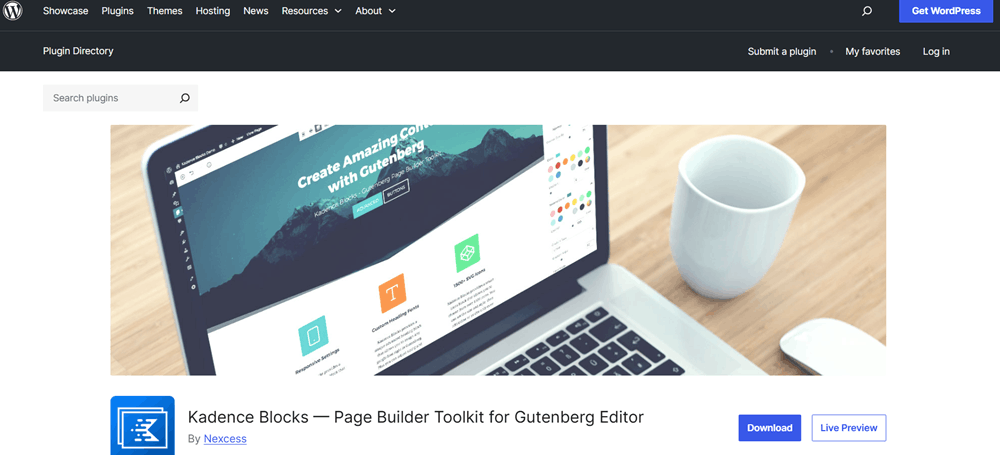
The closest competitor to GenerateBlocks. It offers a larger library of creative pre-built sections and interactive blocks, such as countdowns, making it slightly better for marketers who want quick setup without custom layouts.
Greenshift:
A massive option for designers looking for advanced animation controls. It produces incredibly clean code and offers built-in complex layout behaviors, visual triggers, and SVG helpers without relying on heavy external animation engines.
Spectra (by Brainstorm Force):
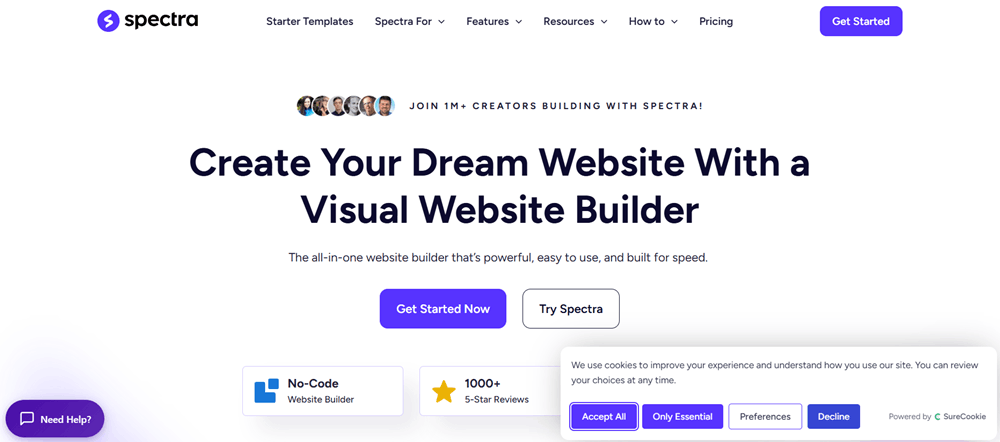
Developed by the creators of the Astra theme. It offers a vast ecosystem of ready-made website templates and starter sections, making it ideal for beginners who want immediate visual setups rather than raw configuration controls.
Bricks Builder:
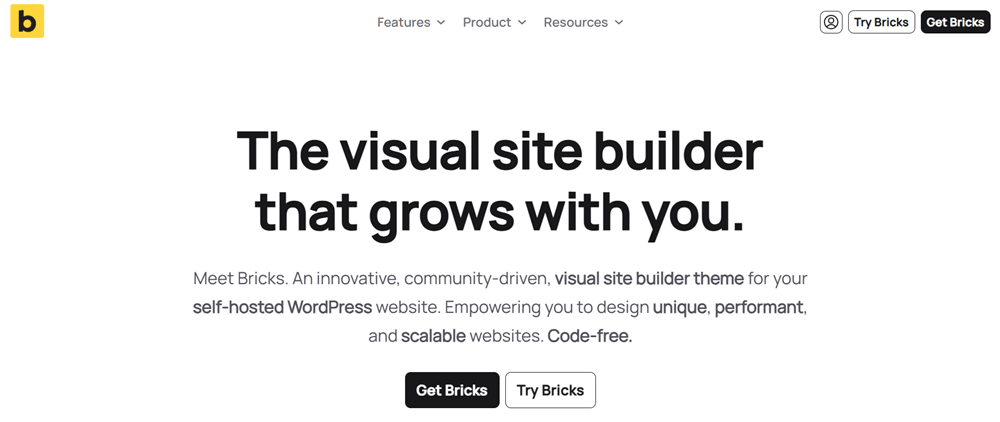
A powerful, developer-focused visual site builder that operates outside the standard Gutenberg block framework. It offers extreme performance, clean code output, and advanced dynamic data capabilities, making it ideal for professionals building complex websites, though it comes with a steeper learning curve compared to block plugins.
Breakdance Builder:
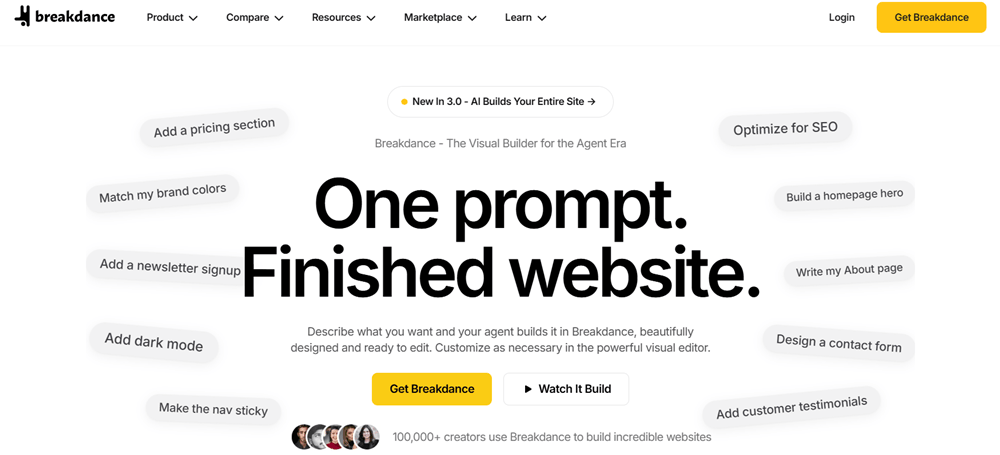
A feature-rich visual site builder for WordPress designed as a modern alternative to heavy page builders like Elementor. It offers a massive library of 130+ built-in elements, deep WooCommerce integration, and exceptional performance out of the box, though like Bricks, it operates as a full site builder rather than a native Gutenberg block plugin.
Frequently Asked Questions (FAQs)
Yes, GenerateBlocks offers a free version available in the WordPress plugin repository that includes essential blocks like Container, Grid, Headline, and Button. They also offer a Pro version with advanced features like dynamic data, global styles, query loops, and custom attributes.
No, GenerateBlocks is designed with a performance-first approach. It generates clean, minimal HTML and CSS code with zero extra dependencies or heavy scripts, ensuring your site loads extremely fast.
No. While GenerateBlocks is made by the same team behind the GeneratePress theme and works seamlessly with it, GenerateBlocks is a standalone plugin that works with any standard WordPress theme.
Yes. Combined with the WordPress Block Editor (and especially with GenerateBlocks Pro), you can build complex layout structures, custom dynamic templates, grids, and blog query layouts without needing a traditional page builder.
Final Verdict: Is GenerateBlocks Worth It?
Yes, absolutely. If your top priorities are website speed, clean code, and a seamless WordPress editing experience, GenerateBlocks is 100% worth it. Unlike bloated page builders that slow down your site with unnecessary code, GenerateBlocks gives you total layout control directly inside the native Gutenberg editor. It allows you to build modern, highly responsive websites without sacrificing performance or Core Web Vitals.
Who is GenerateBlocks best for?
- Performance Purists & SEOs: Anyone who wants lightning-fast loading speeds and clean code.
- Minimalists: Creators who prefer lightweight tools over heavy, feature-bloated page builders.
- Gutenberg Fans: Users who want to stick with the native WordPress block editor rather than learning an external system.
When should you consider an alternative?
If you rely heavily on complex visual animations out of the box (like GreenShift) or need a fully dedicated developer/design builder outside of Gutenberg (like Bricks or Breakdance), you might want to look elsewhere.
Bottom Line: For 90% of WordPress users, bloggers, and agency owners, GenerateBlocks provides the perfect balance of power, flexibility, and unmatched performance.