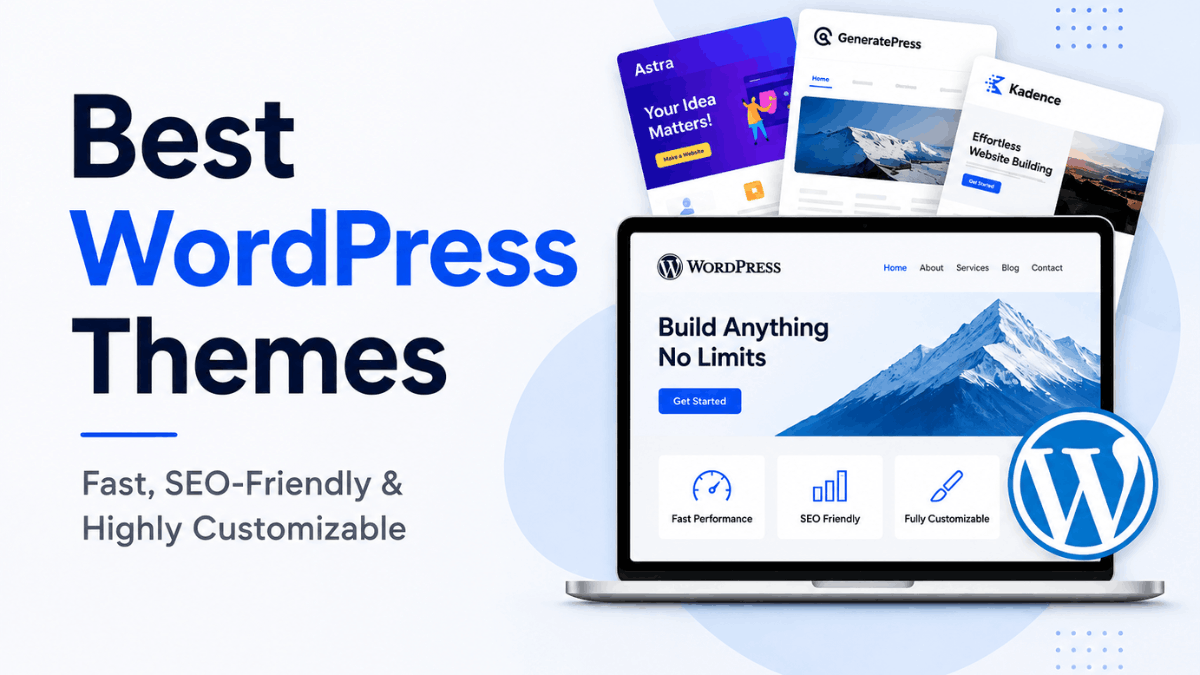
Welcome to our Astra Theme Review 2026! In this guide, we’ll quickly review Astra’s features, performance, pricing, and whether it’s the right WordPress theme for your website.
What Is Astra Theme?
Astra is a lightweight, highly customizable WordPress theme that helps users create fast, modern, professional websites without advanced coding skills. It works well for a wide range of websites, including blogs, business websites, portfolios, online stores, and affiliate sites.
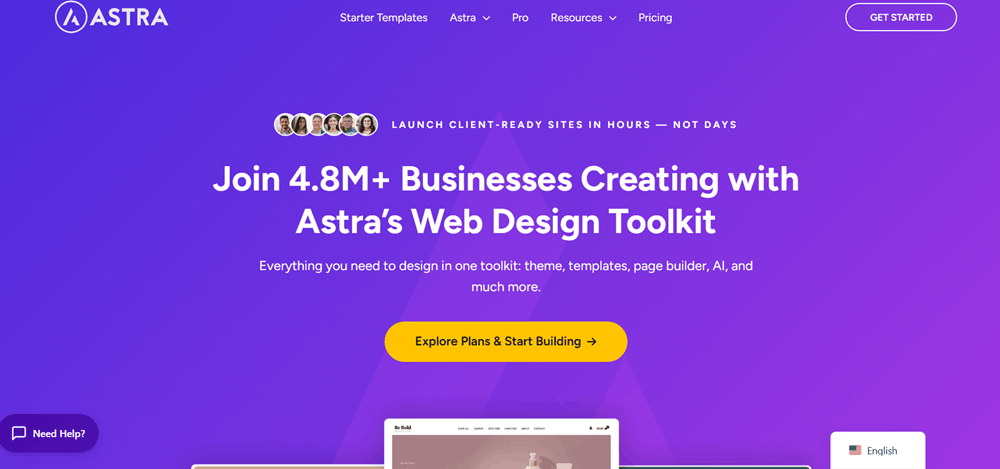
One of Astra’s biggest advantages is its focus on speed and flexibility. The theme provides a clean foundation that can be customized to match your brand, while its compatibility with popular page builders and the WordPress block editor makes it easier to create unique layouts.
Astra also includes a large collection of ready-made website templates, allowing beginners to start with a pre-designed layout and customize it instead of building everything from scratch. More experienced users can take advantage of its extensive customization settings to control elements such as headers, footers, typography, colors, layouts, and more.
Overall, Astra is built to give WordPress users a balance of performance, design flexibility, and ease of use. Whether you are starting a simple blog or building a more feature-rich website, Astra provides a flexible starting point that can be adapted to different types of projects.
Key Features of Astra Theme
Astra stands out because it combines speed, flexibility, and easy customization in one WordPress theme. Here are some of its key features:
- Lightweight & Fast: Astra is built with performance in mind, helping websites load quickly.
- Easy Customization: Customize layouts, colors, fonts, headers, footers, and other design elements without coding.
- Ready-Made Templates: Choose from professionally designed starter templates and quickly build a complete website.
- Page Builder Compatibility: Works well with popular page builders and the WordPress block editor.
- WooCommerce Support: Includes features that make it suitable for creating and customizing online stores.
- Mobile-Friendly Design: Websites can be optimized for different screen sizes, including smartphones and tablets.
- SEO-Friendly Structure: Astra provides a clean foundation that can support good SEO practices and website performance.
- Header & Footer Builder: Create and customize different header and footer layouts according to your website’s needs.
- Typography & Color Controls: Easily adjust fonts, font sizes, colors, spacing, and other visual settings.
- Suitable for Different Websites: Astra can be used for blogs, business websites, portfolios, affiliate sites, and online stores.
Astra Theme Pros and Cons
✅ Pros
- Fast & Lightweight: Helps improve website loading speed.
- Easy Customization: Customize your website without coding.
- Starter Templates: Offers ready-made designs for quick website creation.
- Page Builder Support: Works with popular page builders and Gutenberg.
- SEO-Friendly: Provides a clean and performance-focused foundation.
❌ Cons
- Advanced Features Are Paid: Some useful customization options require Astra Pro.
- Can Feel Overwhelming: Beginners may need some time to explore all the settings.
- Premium Plans Can Be Costly: Full access to advanced features requires a paid plan.
Real-World Use Cases: What Can You Build with Astra Theme?
One of the biggest advantages of Astra is its flexibility. It is not limited to a specific type of website, which makes it a practical choice for different projects, from simple personal blogs to professional business websites and online stores.
1. Blogs and Content Websites
Astra is a great fit for bloggers, publishers, and content creators. Its clean layouts and customization options allow you to create a professional reading experience while keeping the design simple and user-friendly.
2. Business Websites
Businesses can use Astra to build professional websites for showcasing their services, company information, testimonials, and contact details. Its starter templates can also help reduce the time needed to create a website from scratch.
3. Online Stores
With WooCommerce support, Astra can be used to create attractive and functional eCommerce websites. You can customize product pages, shop layouts, colors, typography, and other elements to match your brand.
4. Portfolio Websites
Freelancers, designers, photographers, developers, and other professionals can use Astra to showcase their work through clean portfolio layouts. The flexible design options make it easier to create a website that reflects your personal style.
5. Affiliate Websites
Astra can also work well for affiliate websites where content organization, readability, and website performance are important. You can create product review pages, comparison articles, category pages, and other content-focused layouts.
6. Landing Pages
If you need a focused landing page for a product, service, campaign, or lead-generation form, Astra provides the flexibility to create simple and conversion-focused layouts.
Overall, Astra’s wide range of customization options makes it suitable for many types of WordPress websites. Whether you’re starting a blog, growing a business, showcasing your work, or building an online store, Astra provides a flexible foundation that can be adapted to your needs.
Under the Hood: Why Developers Love Astra Theme
Astra is not only designed for beginners; it also offers a flexible and developer-friendly foundation for building customized WordPress websites. Its lightweight architecture, clean code, and extensive customization options give developers more control over how a website looks and works.
1. Clean and Lightweight Code
Astra is built with performance in mind, helping developers create fast websites without adding unnecessary complexity. Its lightweight structure can also make it easier to optimize a website for better performance.
2. Developer-Friendly Customization
Developers can extend Astra beyond its standard settings using custom CSS, hooks, filters, and other WordPress development techniques. This makes it possible to create more tailored designs and functionality.
3. Flexible Layout Controls
Astra provides detailed control over layouts, headers, footers, typography, spacing, and other design elements. Developers can use these options as a starting point and add their own customizations when needed.
4. Strong Plugin Compatibility
Astra works with popular WordPress plugins and page builders, making it easier to build websites with different functionality. This flexibility is particularly useful when developing custom client websites.
5. WooCommerce Support
For eCommerce projects, Astra integrates with WooCommerce and provides customization options for different parts of an online store. Developers can further modify the design and functionality to meet specific project requirements.
6. Easy to Extend
One of Astra’s strengths is that developers are not restricted to the built-in options. Its compatibility with WordPress development tools allows experienced users to create custom solutions while keeping the theme as the foundation.
Overall, Astra provides a lightweight, flexible, and extensible foundation for developers. It can be used for everything from simple customized websites to more advanced WordPress projects where greater control over design and functionality is required.
Astra Theme Pricing: Which Plan Is Right for You?
Choosing the right Astra plan depends on how many websites you manage and which tools you need. Astra offers annual and lifetime plans, along with a separate Astra Pro option for users who only want the core Pro features.
1. ASTRA PRO + AI
Best For: Individuals, bloggers, and users managing a few websites.
- Price: $99/year (billed annually)
- Regular Price: $149/year
- Save: $50
What You Get:
- Use on up to 3 websites: Install and use the plan across up to three websites.
- Astra Pro: Access advanced Astra customization features.
- AI Website Tools: Generate and customize websites with AI-powered tools.
- Premium AI Designs: Access premium AI designs for website creation.
- Premium Support: Get priority support when you need help.
- Risk-Free Guarantee: Includes a 14-day money-back guarantee.
2. ESSENTIAL TOOLKIT + AI
Best For: Freelancers and users who build or manage multiple websites.
- Price: $199/year (billed annually)
- Regular Price: $299/year
- Save: $100
What You Get:
- Use on up to 10 websites: Use the included tools across up to 10 websites.
- Astra Pro: Includes the advanced Astra Pro features.
- Spectra Pro: Includes Spectra Pro for building advanced WordPress layouts.
- Premium Starter Templates: Get access to premium starter templates.
- Ultimate Elementor Addons: Includes additional Elementor-focused tools.
- AI Website Tools: Generate and customize websites using AI.
- Premium Support: Get priority support and assistance.
- Risk-Free Guarantee: Includes a 14-day money-back guarantee.
3. BUSINESS TOOLKIT + AI
Best For: Agencies managing multiple client websites.
- Price: $279/year (billed annually)
- Regular Price: $429/year
- Save: $150
What You Get:
- Use on up to 1,000 websites: Designed for agencies handling a large number of websites.
- Astra Pro: Includes Astra Pro features.
- Spectra Pro: Build advanced website layouts with Spectra Pro.
- Premium Starter Templates: Access premium starter templates.
- Ultimate Elementor Addons: Includes advanced Elementor-related tools.
- SureForms Agency: Includes agency-focused form-building features.
- AI Website Tools: Generate and customize websites with AI.
- 20 Blueprint Sites: Create multiple website blueprints for your projects.
- 20 Sandbox Sites: Test website ideas before going live.
- Priority Support: Get VIP-level support.
- Risk-Free Guarantee: Includes a 14-day money-back guarantee.
4. ASTRA PRO + AI – Lifetime
Best For: Individuals who want long-term access to Astra Pro + AI.
- Price: $279 one-time
- Regular Price: $449
- Save: $170
What You Get:
- Use on up to 3 websites
- Astra Pro
- AI website generation and customization tools
- Premium AI designs
- Premium support
- 3-year AI platform access
- Risk-Free 14-Day Guarantee
5. ESSENTIAL TOOLKIT + AI – Lifetime
Best For: Freelancers and users managing multiple websites.
- Price: $549 one-time
- Regular Price: $899
- Save: $350
What You Get:
- Use on up to 10 websites
- Astra Pro
- Spectra Pro
- Premium Starter Templates
- Ultimate Elementor Addons
- AI website tools
- 5 Blueprint Sites
- 5 Sandbox Sites
- Premium Support
- 3-year AI platform access
- Risk-Free 14-Day Guarantee
6. BUSINESS TOOLKIT + AI – Lifetime
Best For: Agencies and professionals managing a large number of client websites.
- Price: $799 one-time
- Regular Price: $1,299
- Save: $500
What You Get:
- Use on up to 1,000 websites
- Astra Pro
- Spectra Pro
- Premium Starter Templates
- Ultimate Elementor Addons
- SureForms Agency
- AI website tools
- 20 Blueprint Sites
- 20 Sandbox Sites
- AI Site Planner
- VIP Support
- 3-year AI platform access
- Risk-Free 14-Day Guarantee
Just Want Astra Pro?
If you already use the free Astra theme and don’t need the complete toolkit, you can purchase Astra Pro separately. This gives you the advanced Astra features without requiring the larger bundle.
ASTRA PRO – Annual
Best For: Users who only need Astra Pro’s advanced theme features.
- Price: $69/year
- Website Limit: Up to 3 websites
What You Get:
- Astra Pro
- Advanced layouts
- Full typography and color controls
- Header & Footer Builder
- Premium Support
ASTRA PRO – Lifetime
Best For: Users who want Astra Pro without recurring annual payments.
- Price: $249 one-time
- Regular Price: $349
- Save: $100
- Website Limit: Up to 3 websites
What You Get:
- Astra Pro
- Advanced layouts
- Typography and color controls
- Header & Footer Builder
- Premium Support
- No recurring annual payment
- Risk-Free 14-Day Guarantee
Why Choose Astra Theme For Your Website?
Choosing the right WordPress theme can have a big impact on your website’s speed, design, and overall user experience. Astra is a popular choice because it offers a good balance of performance, flexibility, and ease of use.
One of the main reasons to choose Astra is its lightweight and performance-focused design. A fast-loading website can provide a better experience for visitors and gives you a strong foundation for building a performance-friendly website.
Astra also gives you plenty of customization options without requiring advanced coding skills. You can easily adjust colors, typography, layouts, headers, footers, and other design elements to match your brand or personal style.
Another advantage is its collection of ready-made starter templates. Instead of creating every page from scratch, you can start with a professionally designed template and customize it according to your needs. This can save considerable time, especially for beginners.
For more advanced users, Astra provides a developer-friendly foundation with options for custom CSS, hooks, filters, and further modifications. It also works with popular page builders, the WordPress block editor, and WooCommerce, making it suitable for different types of projects.
Overall, Astra can be a practical option if you want a WordPress theme that combines speed, customization, templates, and flexibility. Whether you’re creating a blog, business website, portfolio, affiliate site, or online store, Astra provides a solid foundation that can grow with your website.
What Can You Build with Astra?
| Website Type | Why Astra Works Well | Useful Features |
|---|---|---|
| 📝 Blog & Magazine | Clean layouts and fast performance | Typography, layouts, sidebar options |
| 💼 Business Website | Professional designs without complex setup | Starter Templates, header & footer controls |
| 🛍️ Online Store | Designed to work smoothly with WooCommerce | Shop layouts, product customization |
| 💻 Portfolio | Flexible layouts help showcase your work | Custom colors, fonts, galleries |
| 📈 Affiliate Website | Lightweight structure helps create content-focused sites | Blog layouts, performance optimization |
| 🏢 Agency Website | Multiple design options make it easy to build client sites | Templates, advanced customization |
| 🎓 Education Website | Flexible page layouts for courses and resources | Gutenberg & page builder support |
| 🚀 Landing Page | Simple layouts can be adapted for focused campaigns | Full-width layouts, header controls |
Best Astra Theme Alternatives for WordPress
Astra is a popular choice for WordPress users, but it is not the only theme worth considering. Depending on your website type, design preferences, performance needs, and preferred page builder, another theme may fit your workflow better.
Here are six strong Astra alternatives to consider in 2026, each with its own strengths and ideal use cases.
1. GeneratePress
Best for: Bloggers, developers, content websites, and performance-focused projects.
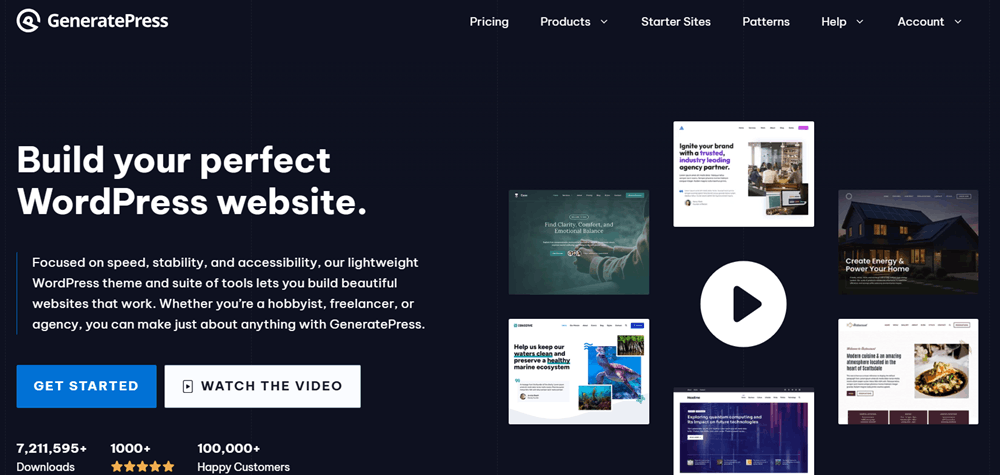
GeneratePress is a lightweight WordPress theme focused heavily on performance, clean design, and flexibility. It is a popular option for bloggers, content creators, business websites, and developers who want a solid foundation without unnecessary complexity.
One of its biggest advantages is its performance-focused approach. GeneratePress also works well with Gutenberg and popular page builders, giving users plenty of freedom when creating custom layouts.
2. Kadence
Best for: Business websites, blogs, creators, and Gutenberg-based websites.
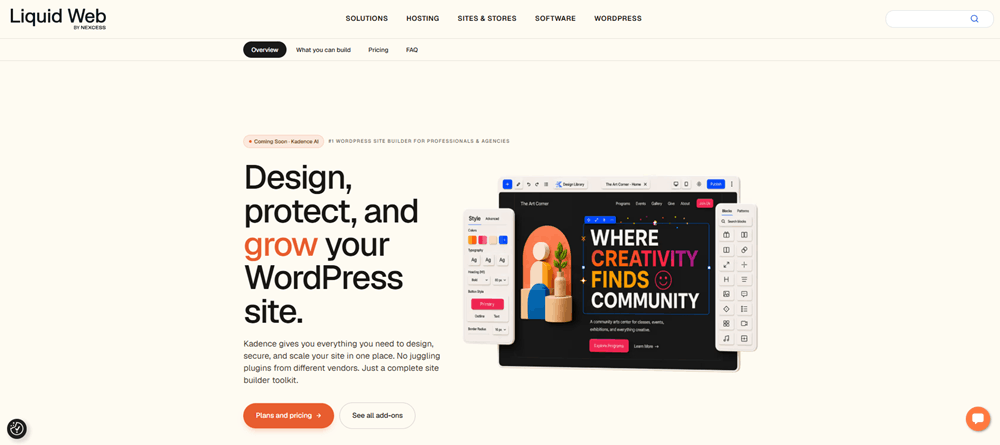
Kadence is another flexible WordPress theme and a popular alternative to Astra. It combines a simple setup with strong customization options, making it suitable for beginners and experienced users alike.
The theme works particularly well with the WordPress block editor and the Kadence Blocks ecosystem. It also provides useful controls for typography, colors, layouts, headers, and footers.
3. Blocksy
Best for: Modern business websites, blogs, portfolios, and online stores.
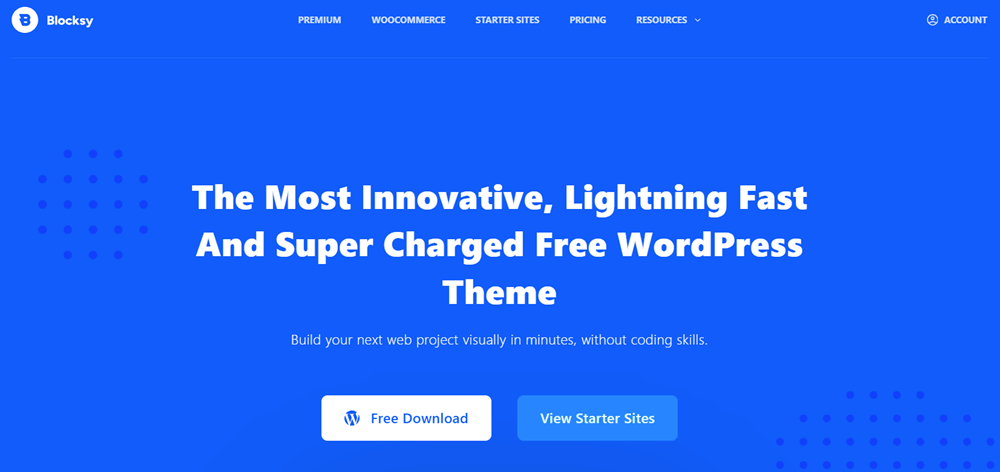
Blocksy takes a modern approach to WordPress theme design, with a visual customization experience and a strong focus on flexible layouts. It is compatible with Gutenberg and popular page builders and also includes features useful for WooCommerce websites.
Its customizer provides plenty of control over areas such as headers, footers, colors, typography, and page layouts. This makes Blocksy worth considering if you want a modern-looking website with plenty of design flexibility.
4. Neve
Best for: Beginners, small businesses, blogs, freelancers, and lightweight websites.
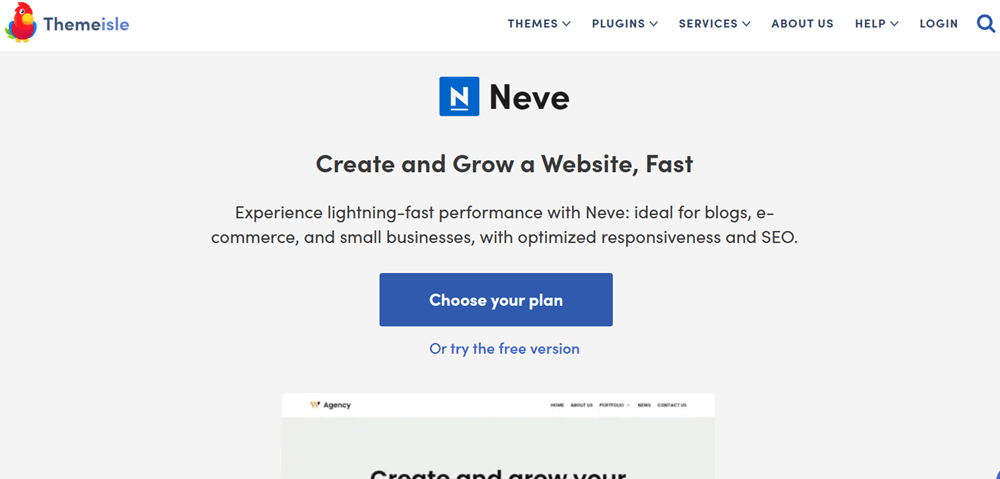
Neve is designed around simplicity, speed, and easy website setup. It can be a practical choice for users who want to build a professional WordPress website without spending too much time configuring the theme.
Neve supports popular page builders and WordPress’s block editor, while its starter sites can help users get a website structure in place more quickly.
5. OceanWP
Best for: WooCommerce stores, business websites, blogs, and feature-rich websites.
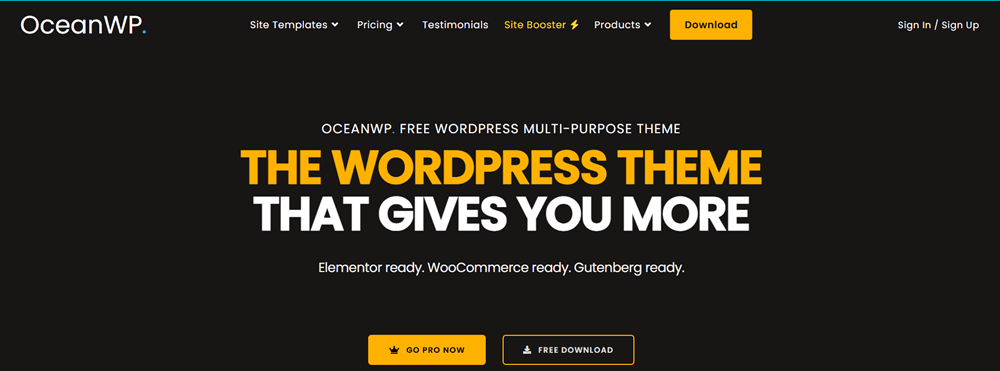
OceanWP is a long-standing WordPress theme that offers a broad range of customization and eCommerce-oriented features. It can be used for everything from blogs and business websites to online stores.
One of its notable strengths is WooCommerce support, making it an option for users who want more control over their store’s appearance and layout. Its extension-based approach also lets users add functionality as needed.
6. Hello Elementor
Best for: Elementor users, landing pages, custom designs, and websites built primarily with Elementor.
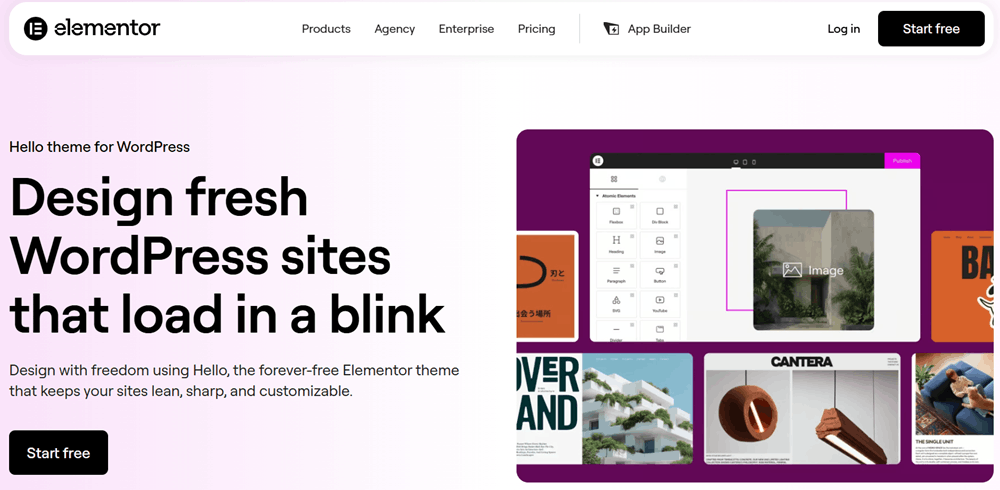
Hello Elementor is different from most themes on this list because it is intentionally minimal. It is designed to work closely with Elementor, allowing the page builder to handle most of the visual design and layout work.
This approach can be useful if Elementor is already a major part of your workflow and you want a minimal theme foundation rather than a theme with lots of built-in design controls.
Frequently Asked Questions (FAQs)
Yes. Astra is beginner-friendly and offers an easy-to-use customization system, ready-made starter templates, and compatibility with popular page builders. You can create and customize a professional website without needing advanced coding skills.
Yes. Astra is designed with performance in mind and uses a lightweight structure to help websites load quickly. However, your overall website speed also depends on hosting, plugins, images, and other optimization settings.
Yes. Astra provides a performance-focused and clean foundation that works well with SEO plugins such as Rank Math and other popular WordPress SEO tools. Good SEO results, however, also depend on your content, site structure, speed, and overall SEO strategy.
Astra Free provides the essential features needed to build a WordPress website, while Astra Pro adds more advanced customization options and features such as enhanced header and footer controls, additional layout options, typography settings, and other premium tools.
Yes. Astra works with WooCommerce and provides features that can help you create and customize an online store. It can be used for product websites, small stores, and larger eCommerce projects depending on your requirements.
Yes. Astra is compatible with both Elementor and the WordPress Gutenberg block editor. This flexibility makes it suitable for users who prefer visual page building as well as those who want to create websites using WordPress’s native block editor.
Final Verdict
Astra remains a strong and flexible choice for building a WordPress website in 2026. Its lightweight foundation, extensive customization options, starter templates, and compatibility with popular page builders make it suitable for everything from blogs and business websites to online stores and affiliate projects.
The free version is a good starting point for beginners, while Astra Pro and the higher-tier plans provide additional tools for users who need more design flexibility and advanced features. The right plan ultimately depends on your website’s requirements, budget, and how much customization you need.
Overall, Astra offers a solid balance of performance, flexibility, and ease of use, making it a theme worth considering for both new and experienced WordPress users.